

ROAS can make Google Ads performance look stronger than it really is. Learn how to check whether your campaigns are driving revenue or actual profit.
ROAS is a useful metric until it starts making your decisions for you.
That is usually where ecommerce accounts get into trouble. A campaign shows a healthy return, everyone feels reassured, and the budget keeps running. On paper, it looks sensible. In reality, the account may be pushing spend towards products with thin margins, high return rates or fulfilment costs that never make it into Google Ads.
Revenue is not profit. That sounds obvious, but plenty of accounts are still optimised as though every pound of revenue is worth the same. A £100 order with a 60% margin is not the same as a £100 order with a 12% margin, yet Google will treat them the same unless you give it better data.
The fix is not to ignore ROAS. It is to stop treating it as the final answer.
Start by checking what your conversion value actually represents
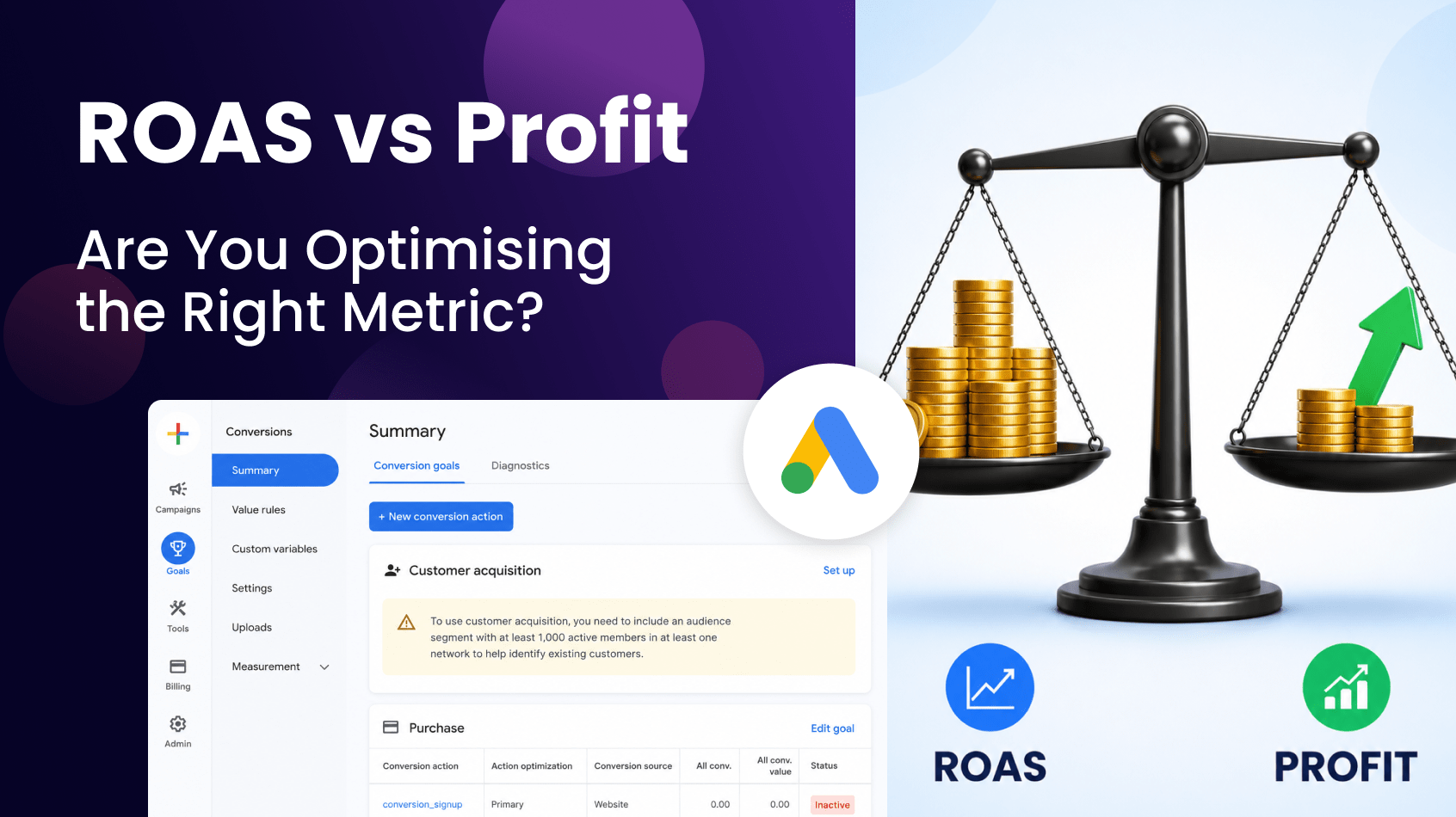
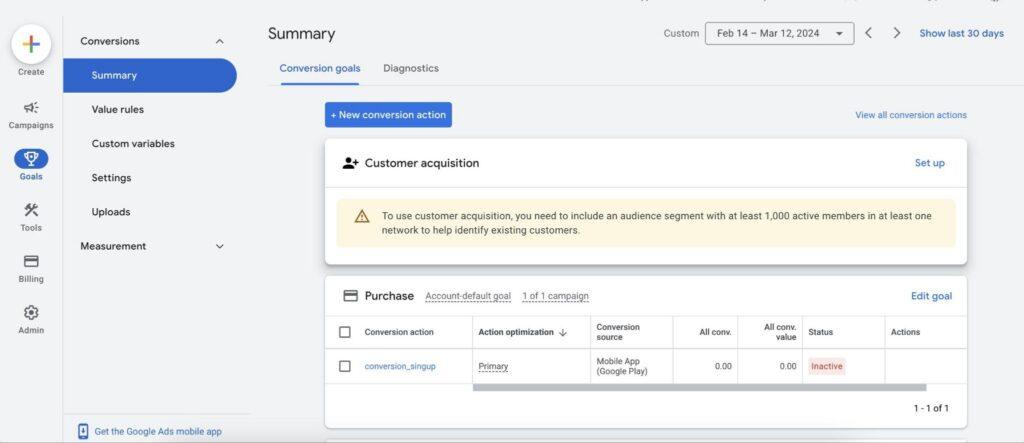
Open Goals > Conversions in Google Ads and review the purchase conversion action. Click into the action and check how value is being tracked. If the account is passing through transaction revenue, you are optimising towards sales value, not profit. That may be fine, but everyone involved needs to understand the difference.
This is where I usually find the first problem. The account has a target ROAS strategy, but nobody has checked whether the value being passed into Google reflects commercial reality. VAT, discounts, shipping, returns and product margin may all sit outside the platform. Google is doing what it has been asked to do: find more conversion value. It just may not be finding the most profitable conversion value.
The immediate task is to document what is included in conversion value and what is missing. If the value is gross revenue, say so. If shipping is included, note it. If refunds are not imported, note that too. You do not need to solve profit tracking in one afternoon, but you do need to stop pretending the ROAS column tells the whole story.
Break performance down by product, not just campaign
The campaign view can hide margin problems because it rolls everything into one neat number. Go to Campaigns > Insights and reports > Products if available, or review product performance through your Shopping or Performance Max listing groups. Add columns for Cost, Conv. value, ROAS and, where possible, item ID or product category.
Look for products with strong revenue but weak commercial value. A product may have excellent ROAS because it is easy to sell, but if the margin is low or returns are high, scaling it may not help the business. At the same time, a product with a lower ROAS may be far more valuable if it has stronger margin, better repeat purchase potential or fewer operational costs.
This is where PPC managers need input from the business. Google Ads will not know which products are most profitable unless that data is passed in or manually considered in the strategy. Export the product report, add margin bands if you have them, and mark products as high, medium or low priority. Even a simple margin overlay is better than treating the entire catalogue as equal.
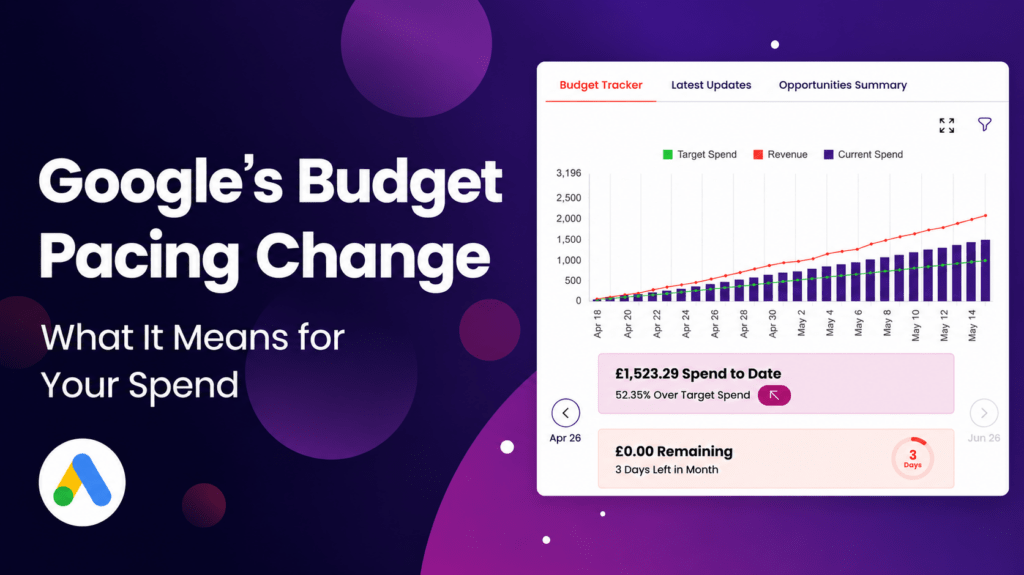
Are you up to date with Google’s budget pacing? Understand what it means for your spend and profits in our recent article.
Stop letting target ROAS protect the wrong campaigns
Target ROAS can be useful, but it can also make an account look more efficient than it really is. Open your campaigns and compare Conv. value / cost, Cost, Conv. value and Conversion value trends over the last 90 days. Then check whether high-ROAS campaigns are actually contributing meaningful profit or simply protecting themselves by spending conservatively.
One thing I see regularly is a campaign with a beautiful ROAS and very little scale. It looks efficient, so nobody challenges it. Meanwhile, another campaign carries more spend, produces a lower ROAS, but drives the orders the business actually needs. If you only judge by ROAS, the second campaign looks weaker. If you judge by profit contribution, the picture may change.
The action here is to review ROAS alongside volume and margin. Do not reward a campaign for being efficient at a tiny scale if it is not moving the business forward. Equally, do not punish a lower-ROAS campaign if it is selling products with stronger margins. ROAS is a ratio. Profit is money in the bank.
Use custom labels to give Google better signals
If you are running Shopping or Performance Max, custom labels are one of the cleanest ways to bring commercial context into the account. In Merchant Center, group products by margin, seasonality, stock position or priority. Then use those labels inside Google Ads to analyse and structure campaigns more intelligently.
A simple setup might group products into high margin, medium margin and low margin. Another might separate bestsellers from clearance items. The right structure depends on the business, but the principle is the same: stop asking Google to treat every product equally when the business does not.
Once labels are in place, go back into Google Ads and review performance by product group or asset group. If high-margin products are underfunded while low-margin products absorb most of the spend, you have a clear optimisation opportunity. You may not need to increase budget. You may need to point the existing budget towards products that leave more money behind after the sale.

Check search intent against profitability
Profit problems are not only found in product feeds. They also show up in Search. Go to Insights and reports > Search terms, set the date range to the last 90 days and sort by Cost. This time, do not only ask whether the search converted. Ask whether the search is likely to attract profitable customers.
Searches containing “cheap”, “discount”, “free delivery” or “clearance” are not automatically bad. They may convert well. The question is whether they convert into orders worth having. If those searches drive low basket values, heavy discounting or high return rates, they may inflate revenue while doing little for profit.
This is where a blanket ROAS target can mislead you. A discount-led campaign may hit ROAS while training the account to chase bargain hunters. Review the search terms, compare them with average order value and margin where possible, and add negatives or separate campaigns where intent needs tighter control.
Bring profit into the weekly conversation
The biggest change is not technical. It is behavioural. If every weekly report leads with ROAS, people will keep making ROAS-led decisions. Start adding a second layer to your reporting: margin bands, profit estimate, stock priority or at least a note on whether revenue came from products the business actually wants to sell more of.
Inside Google Ads, use Reports or export campaign and product data into your usual reporting sheet. Add columns outside the platform for estimated margin, return risk or commercial priority. It does not need to be perfect to be useful. A rough profit view is often more valuable than a precise revenue view that ignores half the business model.
Tools like OmniAI can help speed up this review if the data is available. For example, you could ask: “Which campaigns have strong ROAS but may be weaker commercially based on product category, average order value and margin assumptions?” The answer still needs human judgement, but it can help you find the areas worth investigating first.
ROAS is not a bad metric. It becomes a problem when it is treated as proof that the account is profitable. If your conversion value is gross revenue, your campaigns are grouped without margin context and your weekly reporting rewards ratios over contribution, you may be optimising the account in the wrong direction.
The better question is not “Which campaign has the highest ROAS?” It is “Which campaign leaves the most profit after the sale?” Once you start asking that, budget decisions become much clearer.
AI has made it possible to find out if your ROAS is actually driving revenue in seconds. Try Omni AI Ad Connectors today to analyse your performance data and get rid of the ambiguity.